


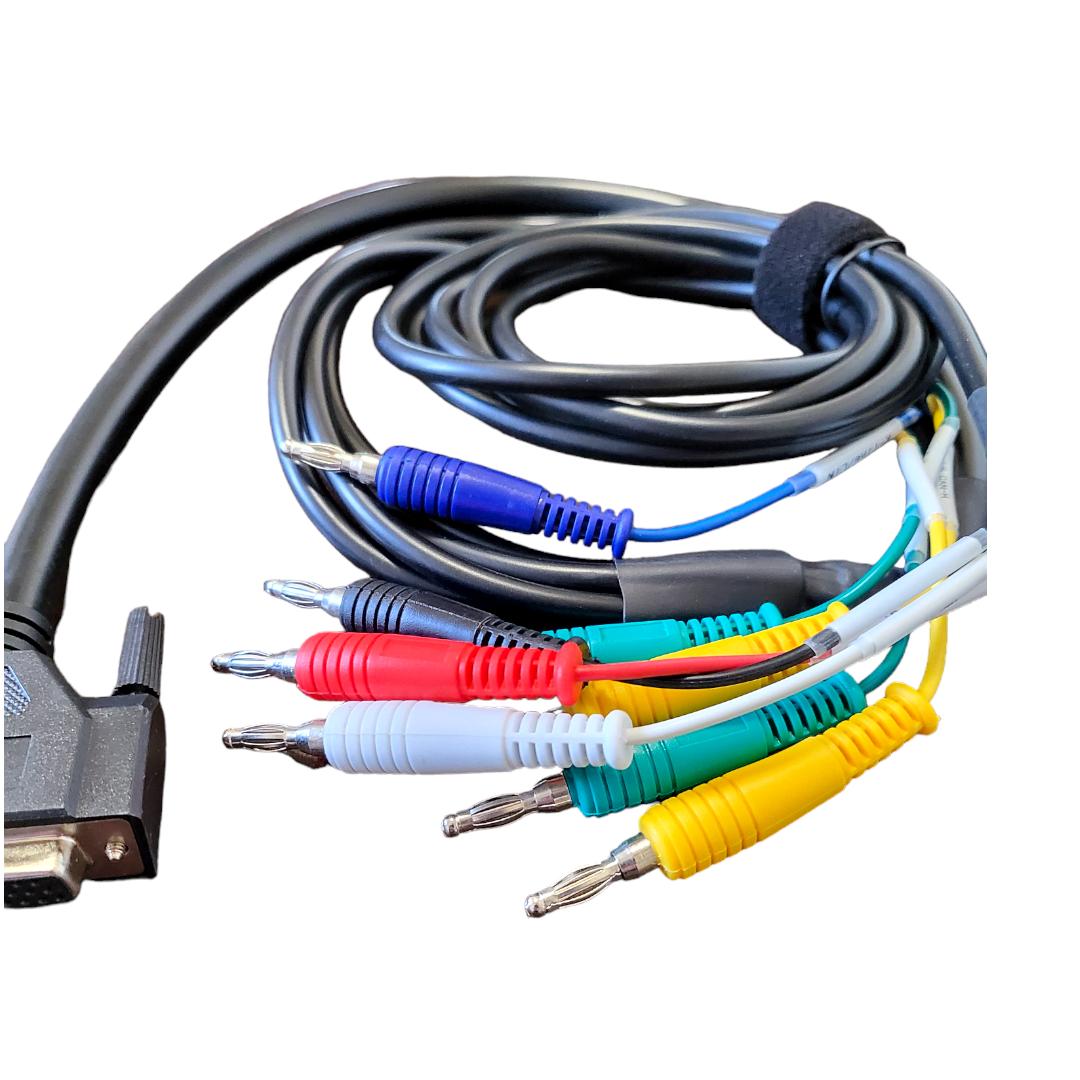
The Super MB Pro M6+
R19,999.00
The Super MB Pro M6+
Product Information
SUPER MB PRO M6+ Full Version DoIP Benz Diagnostic Scanner
Complete Configuration: Includes full MB Star functions, BMW F and G series coding, and support for other DoIP protocols.
What is the Super MB Pro M6+?
The Super MB Pro M6+ is an enhanced version of the M6, offering improved functionality and compatibility, and is fully compatible with original Mercedes-Benz software.
Features:
- Mercedes-Benz Compatibility: Fully compatible with original Mercedes-Benz software.
- Enhanced Design: Features a front label with trademark rights and art copyrights for better product recognition.
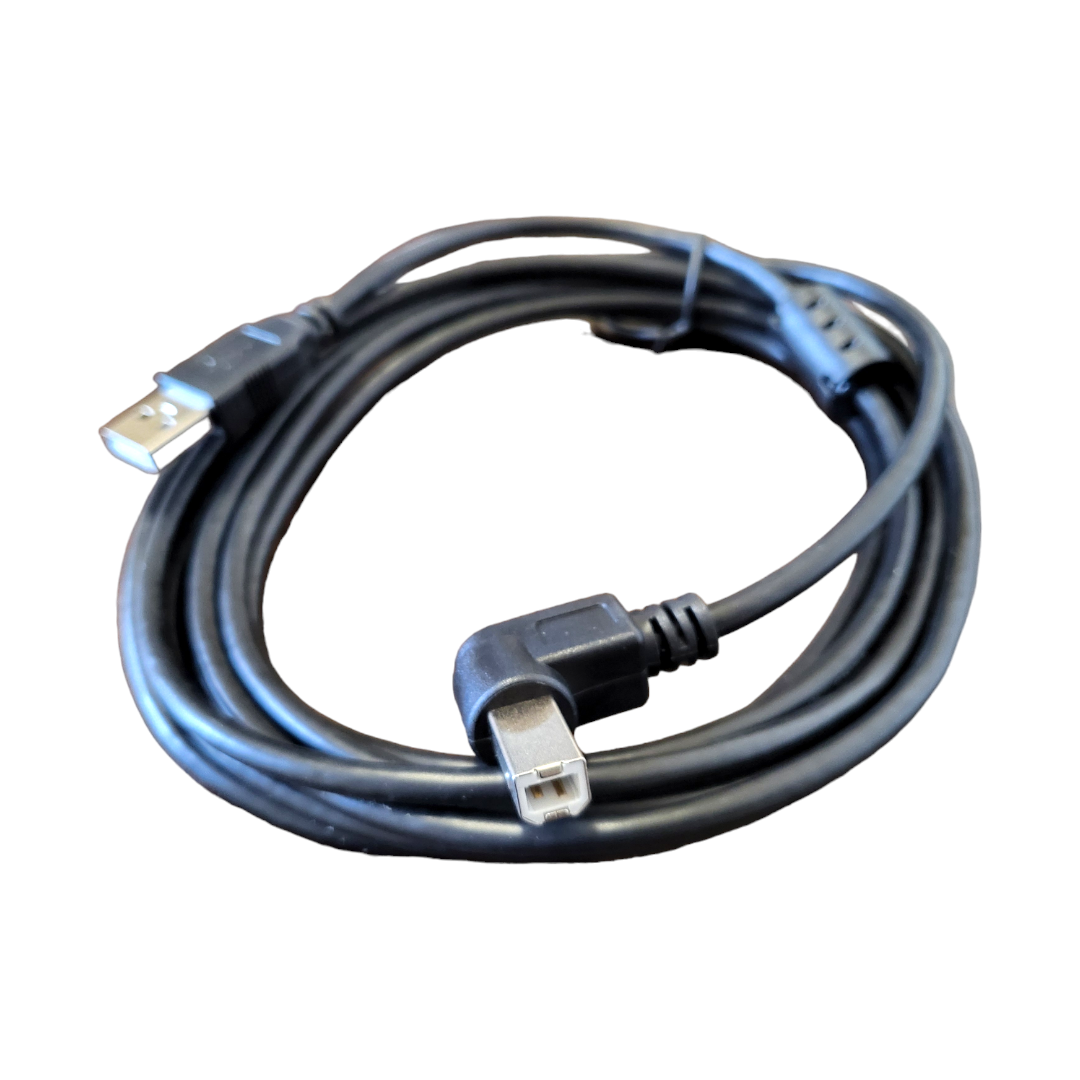
- Improved Interface: Utilizes a USB3.0 interface for better compatibility with both old and new computers and tablets.
- Remote Operation: Supports remote C-side operation without special diagnostic software, enabling paid remote diagnostics and local area network setups.
- BMW Support: Offers support for BMW E-SYS, Aicoder, and wired/wireless programming and coding of F and G series, including hidden function activation.
- Mobile App Compatibility: Works with BMW mobile apps such as Bimmercode, Bimmerlink, MHD, Bimmergeeks, XHP Flashtool, ODIS-e, XDelete, M Flasher, and others.
- DoIP Protocol Support: Compatible with vehicles using the DoIP communication protocol, including Volkswagen, Audi, Skoda, Bentley, and Lamborghini, with a dedicated transition button.
New Features in the Super MB Pro M6+:
- BMW Coding: Supports E-SYS and Aicoder for F and G series coding.
- App Compatibility: Compatible with BMW apps like BimmerCode, Bimmerlink, MHD, and others.
- DoIP Device: Functions as a DoIP device for VAG vehicles.
Comparison Chart:
| Feature | Super MB Pro M6 | Super MB Pro M6+ |
|---|---|---|
| Xentry Car | Yes | Yes |
| Xentry Truck | Yes | Yes |
| DTS Monaco | Yes | Yes |
| Vediamo | Yes | Yes |
| MB DoIP | Yes | Yes |
| MB WiFi | Yes | Yes |
| PC USB | Yes | Yes |
| PC RJ45 | Yes | No |
| BMW Aicoder | No | Yes |
| BMW E-sys | No | Yes |
| BMW App | No | Yes |
| Other DoIP | No | Yes |
Supported Vehicle Lists:
- Passenger Cars: Includes models such as A-Class, B-Class, C-Class, E-Class, S-Class, CLK, CLS, CL, SLK, SL, SLS, G-Class, GL, GLK, R-Class, etc.
- Vans: Includes models like MB 100, Sprinter series, Citan, Vito, Viano, T2, Vario, Vaneo.
- Trucks: Includes models like Actros, Atego, Axor, Zetros, Atron, SKL, and more.
- Unimog: Models such as U20, UGN, UHN.
- Buses: Models like Travego, Intouro, Integro, Citaro, Tourismo, and more.
- Super Sports Cars: Includes SLR.
Connection Instructions:
- Connecting the M6+ Hardware:
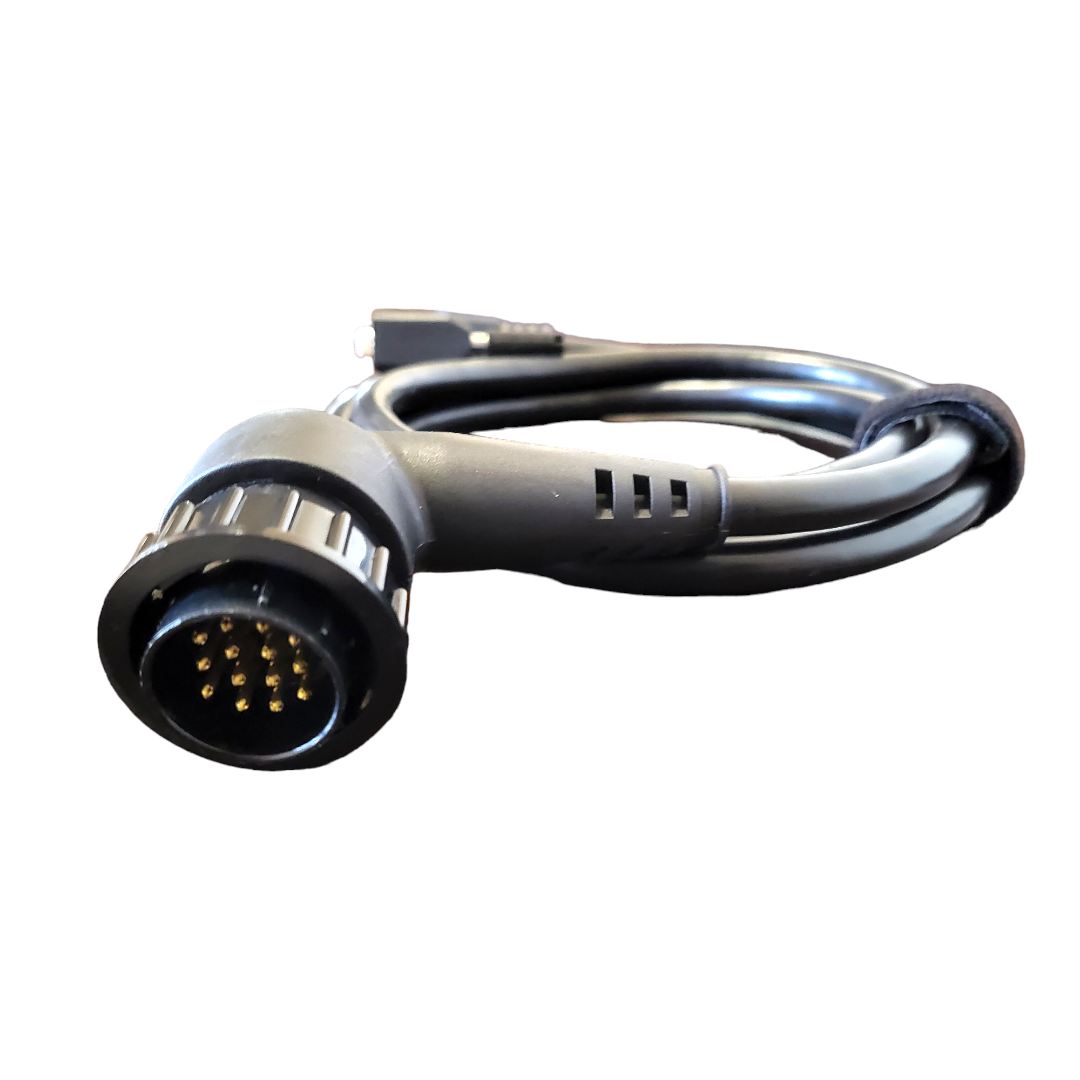
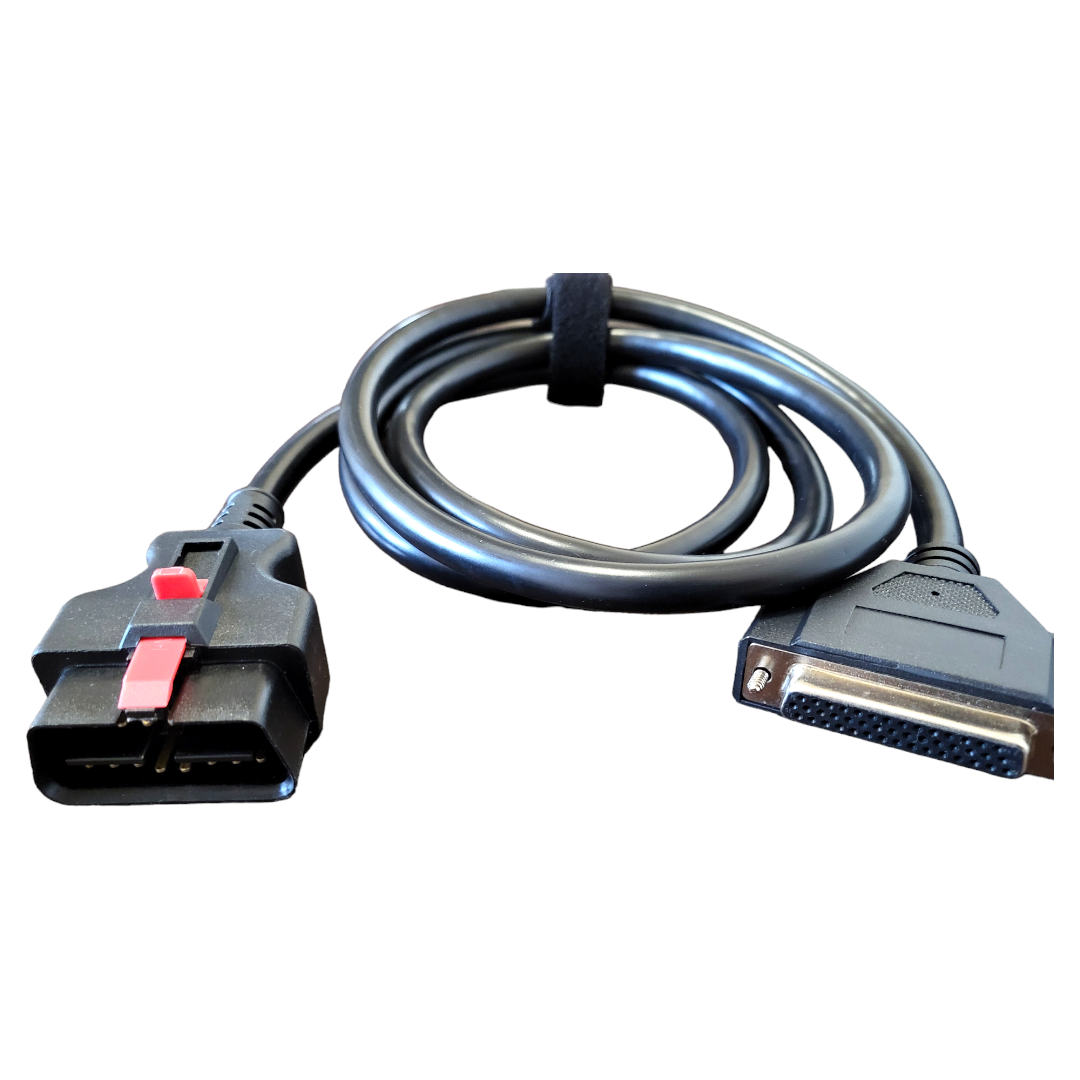
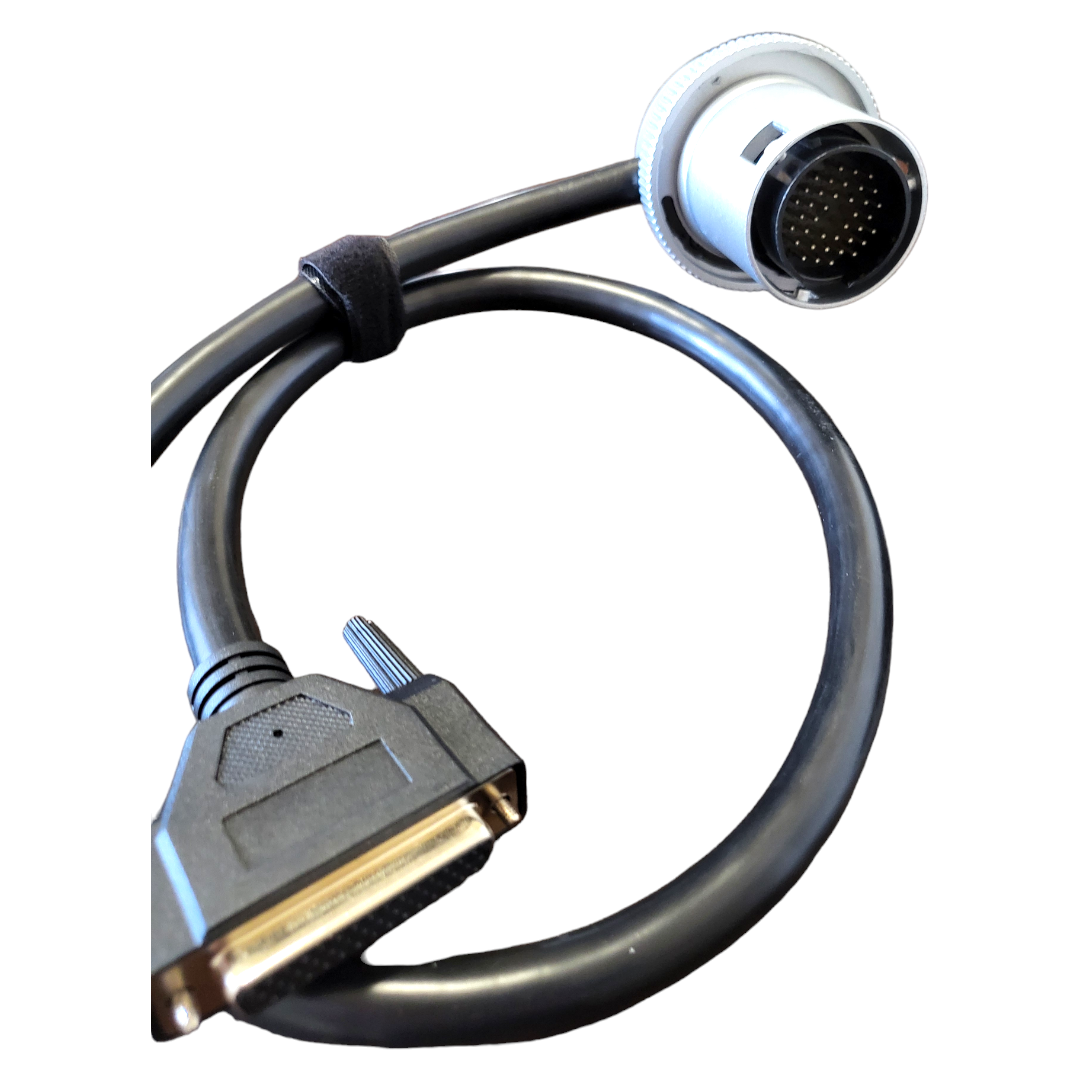
- Connect the M6+ to the car diagnostic interface via the test line. The red indicator light on the host should stay on, and the system indicator should flash during startup. Once startup is complete, it stays on and beeps once.
- Wired Connection:
- Connect the USB port of the M6+ to the computer or tablet. A new network connection will appear, and you should adjust the IP settings as specified.
- For wireless connection, unplug the USB cable to find the M6+ DOIP-**** network and connect with the password 123456789.
- Using Mercedes-Benz Software:
- Open the BEN software lock on the computer to use the original diagnostic software.
- BMW Software and Hardware Connection:
- Follow similar steps as for Mercedes-Benz, with specific IP settings for wired connections and the same wireless connection process.
- Other DoIP Software:
- Refer to the BMW software and hardware connection method for guidance
Full Version DoIP Benz Diagnostic Scanner
Complete Configuration: Includes full MB Star functions, BMW F and G series coding, and support for other DoIP protocols.
What is the Super MB Pro M6+?
The Super MB Pro M6+ is an enhanced version of the M6, offering improved functionality and compatibility, and is fully compatible with original Mercedes-Benz software.
Features:
Mercedes-Benz Compatibility: Fully compatible with original Mercedes-Benz software.
Enhanced Design: Features a front label with trademark rights and art copyrights for better product recognition.
Improved Interface: Utilizes a USB3.0 interface for better compatibility with both old and new computers and tablets.
Remote Operation: Supports remote C-side operation without special diagnostic software, enabling paid remote diagnostics and local area network setups.
BMW Support: Offers support for BMW E-SYS, Aicoder, and wired/wireless programming and coding of F and G series, including hidden function activation.
Mobile App Compatibility: Works with BMW mobile apps such as Bimmercode, Bimmerlink, MHD, Bimmergeeks, XHP Flashtool, ODIS-e, XDelete, M Flasher, and others.
DoIP Protocol Support: Compatible with vehicles using the DoIP communication protocol, including Volkswagen, Audi, Skoda, Bentley, and Lamborghini, with a dedicated transition button.
New Features in the Super MB Pro M6+:
BMW Coding: Supports E-SYS and Aicoder for F and G series coding.
App Compatibility: Compatible with BMW apps like BimmerCode, Bimmerlink, MHD, and others.
DoIP Device: Functions as a DoIP device for VAG vehicles.
Comparison Chart:
Feature Super MB Pro M6 Super MB Pro M6+
Xentry Car Yes Yes
Xentry Truck Yes Yes
DTS Monaco Yes Yes
Vediamo Yes Yes
MB DoIP Yes Yes
MB WiFi Yes Yes
PC USB Yes Yes
PC RJ45 Yes No
BMW Aicoder No Yes
BMW E-sys No Yes
BMW App No Yes
Other DoIP No Yes
Supported Vehicle Lists:
Passenger Cars: Includes models such as A-Class, B-Class, C-Class, E-Class, S-Class, CLK, CLS, CL, SLK, SL, SLS, G-Class, GL, GLK, R-Class, etc.
Vans: Includes models like MB 100, Sprinter series, Citan, Vito, Viano, T2, Vario, Vaneo.
Trucks: Includes models like Actros, Atego, Axor, Zetros, Atron, SKL, and more.
Unimog: Models such as U20, UGN, UHN.
Buses: Models like Travego, Intouro, Integro, Citaro, Tourismo, and more.
Super Sports Cars: Includes SLR.
Connection Instructions:
Connecting the M6+ Hardware:
Connect the M6+ to the car diagnostic interface via the test line. The red indicator light on the host should stay on, and the system indicator should flash during startup. Once startup is complete, it stays on and beeps once.
Wired Connection:
Connect the USB port of the M6+ to the computer or tablet. A new network connection will appear, and you should adjust the IP settings as specified.
For wireless connection, unplug the USB cable to find the M6+ DOIP-**** network and connect with the password 123456789.
Using Mercedes-Benz Software:
Open the BEN software lock on the computer to use the original diagnostic software.
BMW Software and Hardware Connection:
Follow similar steps as for Mercedes-Benz, with specific IP settings for wired connections and the same wireless connection process.
Other DoIP Software:
Refer to the BMW software and hardware connection method for guidance